


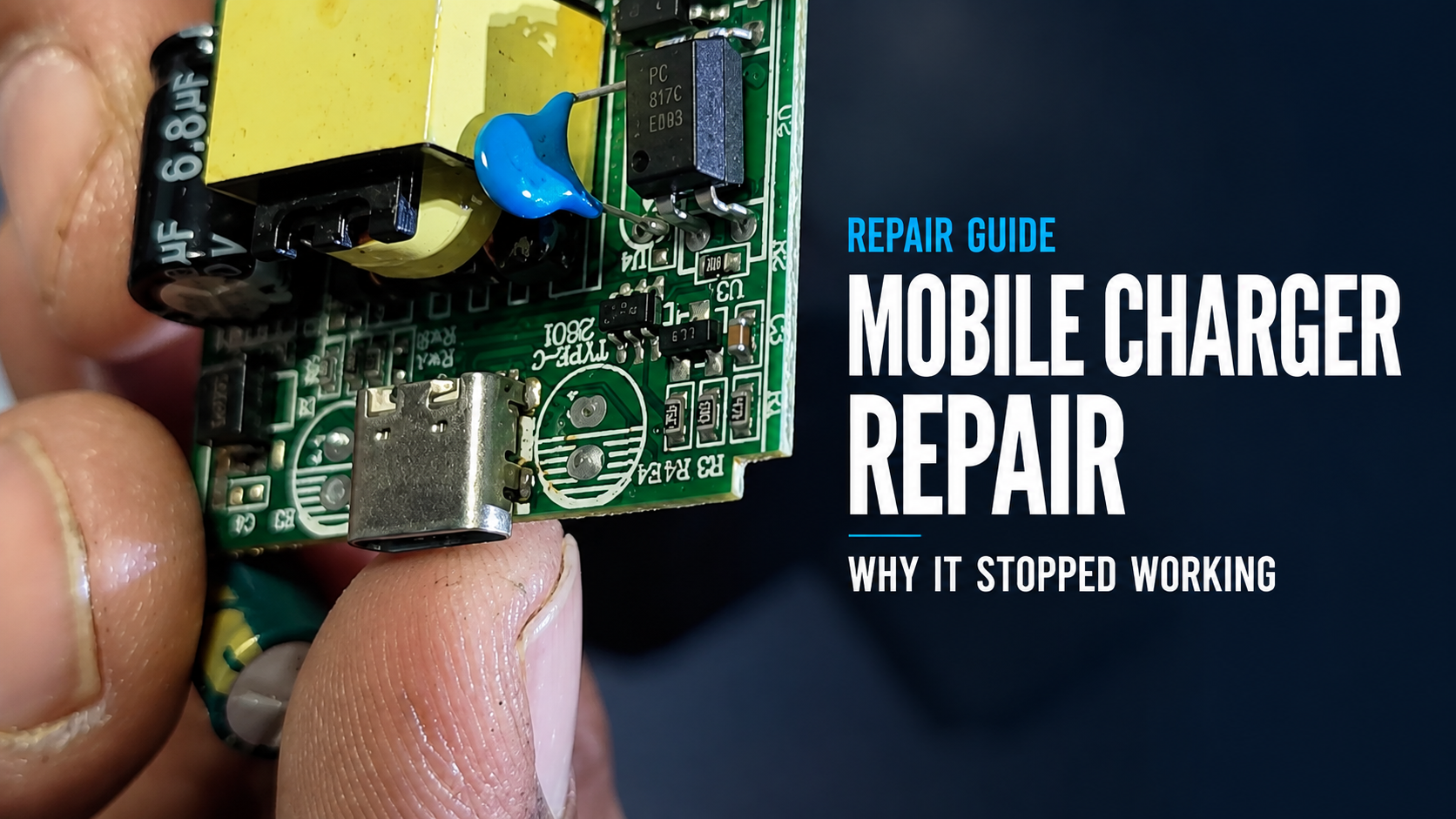
A mobile fast charger can look solid from the outside, but its actual quality depends on the circuit and components inside. The charger examined in this video became unusually hot during use and eventually stopped charging.
We opened it to inspect its internal construction and identify the likely cause of failure.
Watch the complete teardown and diagnosis:
Safety Warning
A mains-powered charger can contain dangerous voltage even after it has been unplugged because its capacitors may retain electrical energy. Do not open, touch or test a charger unless you have the appropriate training and equipment.
This video is intended to document the teardown and diagnosis. It is not a beginner-level electrical repair tutorial.
What Was Found Inside the Charger?
After opening the casing, the charger’s circuit board, USB output port, transformer, capacitors and protective materials became visible.
The teardown also revealed a substantial metal plate inside the casing. The video questions whether this plate is mainly being used to make the charger feel heavier. However, its exact engineering purpose cannot be confirmed from the footage alone because metal parts can also be used for heat management, shielding or structural support.
The practical lesson is that the weight of a charger is not reliable proof of its quality, safety or power output.
The Likely Fault: Damaged Capacitors
The most important finding was visibly damaged or bulged electrolytic capacitors.
Capacitors in a switching power supply help filter voltage, reduce ripple and keep the output stable when a device draws power. When a capacitor deteriorates or vents, the charger may provide unstable voltage, reduced power or no usable output.
Possible symptoms include:
- Excessive heating
- Slow or intermittent charging
- Charging repeatedly starting and stopping
- Unusual noise or smell
- Reduced output under load
- Complete failure to charge
A bulged capacitor is strong evidence of failure, but a qualified technician should still test the circuit before replacing components. Other parts may also have been damaged when the charger overheated.
Was the Charger Fully Repaired?
This video focuses on opening the charger and identifying the suspected fault. It does not show capacitor replacement, reassembly or an electrical test after repair.
A complete repair would require a trained technician to confirm the failed components, install properly rated replacements and safely test the charger’s voltage and current under load.
For most sealed consumer chargers, replacing an unsafe or suspicious unit with a reliable charger is often safer than attempting a home repair.
When Should You Stop Using a Charger?
Immediately disconnect a charger if it:
- Becomes unusually hot
- Produces a burning smell
- Makes buzzing or crackling sounds
- Has a loose or damaged casing
- Charges intermittently
- Has damaged pins or a discoloured USB port
Do not continue testing a faulty charger on an expensive phone, tablet or other device.
Final Lesson
A charger should not be judged only by its appearance, claimed wattage or weight. Internal component quality, protection circuitry and stable output are much more important.
This teardown shows how a failed capacitor can be associated with overheating and loss of charging output, while also demonstrating why mains-powered charger repair should be left to people with suitable technical experience.
For more practical electronics repair and troubleshooting videos, subscribe to the ElectroCareHub YouTube channel.